faq hero banner

Where do I find my QR code for eSIM installation?

Your QR code and installation instructions will be sent to you by email after purchase.

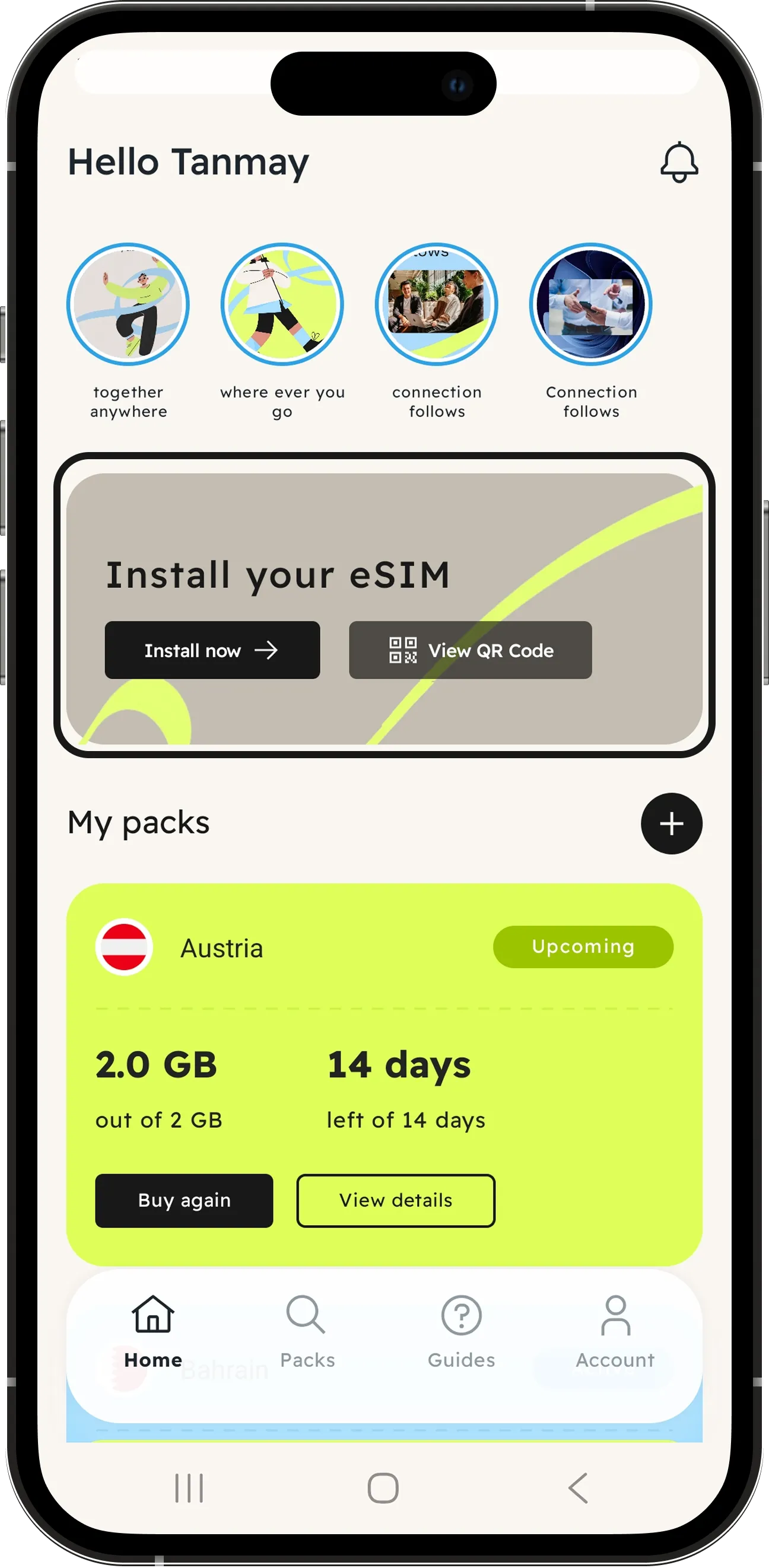
You can also find your installation options in the rova app:

  1. Log in to your account
  2. Tap Install eSIM now
  3. Choose Instant activation or QR code
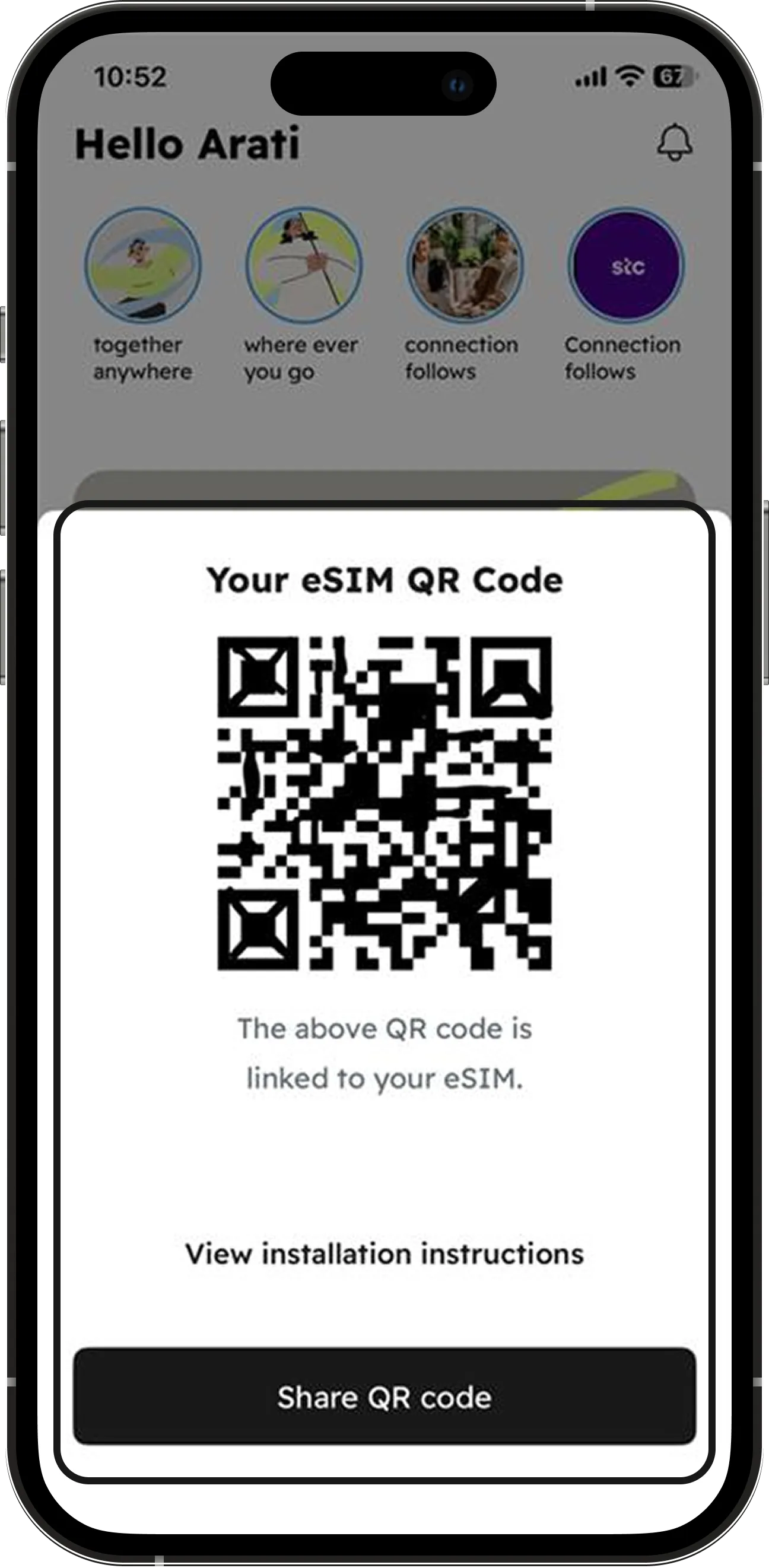
Login to rova App to install travel eSIMCheck the main screen rova app to install eSIMChoose to install eSIM via quick installation or QR code

Was this article helpful?

faq

Do you still need help?

Contact us

faq

Your journey starts here

Plan your next adventure. Ready for your next destination?

Download the rova travel eSIM app

Download the rova travel eSIM app

Easily purchase, manage, and top up eSIMs on-the-go.

Download rova at AppstoreDownload rova travel eSIM & data app at Google Playstore
  • 190+ countries covered
  • Installs in minutes
  • No roaming bill surprises